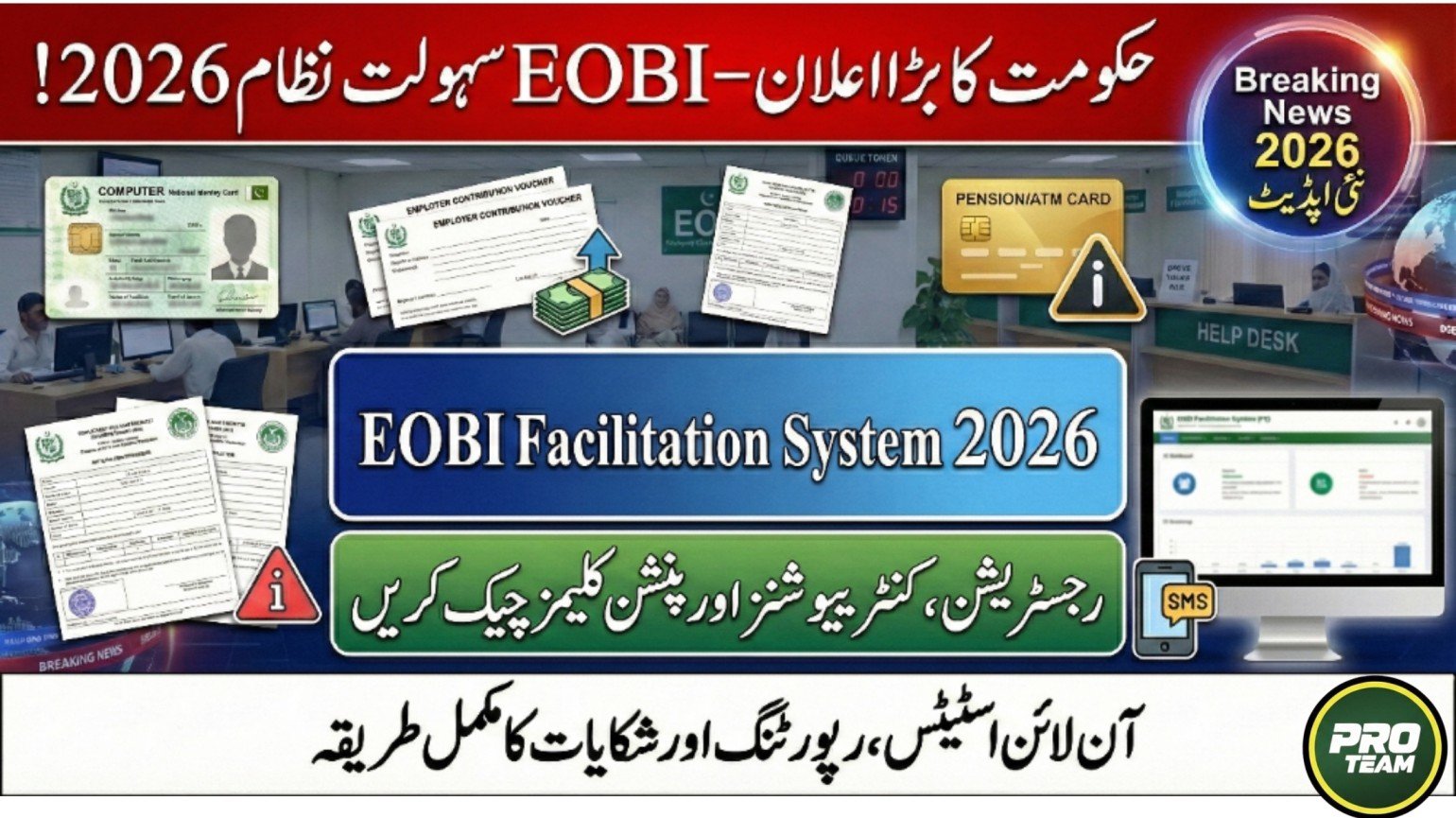
The Employees’ Old-Age Benefits Institution (EOBI) has modernized its services through the EOBI Facilitation System (FS). This digital platform allows both employees and employers to track contributions, registrations, and pension claims without visiting an EOBI office. As of January 2026, the system is integrated with the Prime Minister’s Portal and Wafaqi Mohtasib, making it easier to resolve discrepancies in employment or contribution history.
Key Features of EOBI Facilitation System:
- Check your registration and contribution status online
- Track pension or invalidity claims digitally
- Employers can manage employees and payment vouchers
- Integrated complaint system through Wafaqi Mohtasib
Step-by-Step Guide to Check Your EOBI Registration Status
Employees can verify if their employer is depositing contributions correctly. Follow these steps:
| Step | Action |
|---|---|
| 1 | Visit the official EOBI portal: www.eobi.gov.pk |
| 2 | Navigate to “Insured Person” or “Registration Check” section |
| 3 | Enter your CNIC (13 digits) or EOBI Number (10 digits) |
| 4 | View current and previous employer details |
| 5 | Check total months of contributions |
| 6 | Identify any missing or pending contributions |
| 7 | Download or print contribution statement for reference |
| 8 | Contact help desk for discrepancies if needed |

How to Check EOBI Card and Pension Claim Status
Employees approaching retirement or applying for an Invalidity/Survivor’s pension can track their claims:
- EOBI App: Download from Google Play, log in as “Pensioner,” check application status, and proof-of-life due date
- Web Portal: Click “Pensioner” → Show Application Status to see if the claim is under process, verified, or missing documents
- Bank Account Status: Check your EOBI Pension Wallet via Bank Alfalah linked to biometric verification
EOBI Facilitation System for Employers
Employers or HR managers can use the FS portal to manage staff and payments:
- Login: Use registered username and password at FS login page
- Generate Vouchers: View status of previous vouchers to see if marked “Paid”
- Manage Employees: Verify if newly registered staff received EOBI cards

Benefits of the EOBI Facilitation System
The EOBI FS offers several advantages for employees and employers:
- Saves time by reducing visits to regional offices
- Provides instant verification of contributions and registrations
- Improves transparency and accountability
- Simplifies pension claim tracking and proof-of-life submissions
- Facilitates easy lodging of complaints through Wafaqi Mohtasib
- Ensures accurate records for future retirement benefits
Common Issues When Record Not Found
If your CNIC shows no record despite salary deductions, possible reasons include:
- Non-Registration: Employer did not register you
- Data Mismatch: Incorrect CNIC entry by HR
- Inactive Account: Contributions not deposited for over 6 months
Action Steps:
- Lodge a complaint online via Wafaqi Mohtasib portal
- Visit the nearest EOBI Help Desk in Islamabad, Lahore, or Karachi

Conclusion
The EOBI Facilitation System is a modern solution for employees and employers to manage old-age benefits efficiently. By using the portal or mobile app, you can check contributions, pension claims, and registration status. Ensure your CNIC and employee records are accurate and report discrepancies promptly through the official Wafaqi Mohtasib system to receive timely assistance.
FAQ – EOBI Facilitation System 2026
Q1: How can I verify my contributions if my employer is not registered?
- Lodge a complaint via Wafaqi Mohtasib or visit the nearest EOBI Help Desk.
Q2: Can I check my pension claim status online?
- Use the EOBI web portal or mobile app as a pensioner to track your application.
Q3: What should employers do to update employee contributions?
- Login to FS portal, generate vouchers, and ensure employee data is correct.
Q4: What happens if my CNIC shows no record but deductions are made?
- It may indicate non-registration, data mismatch, or inactive account; report via Wafaqi Mohtasib or help desk.
Related Posts